# Activity
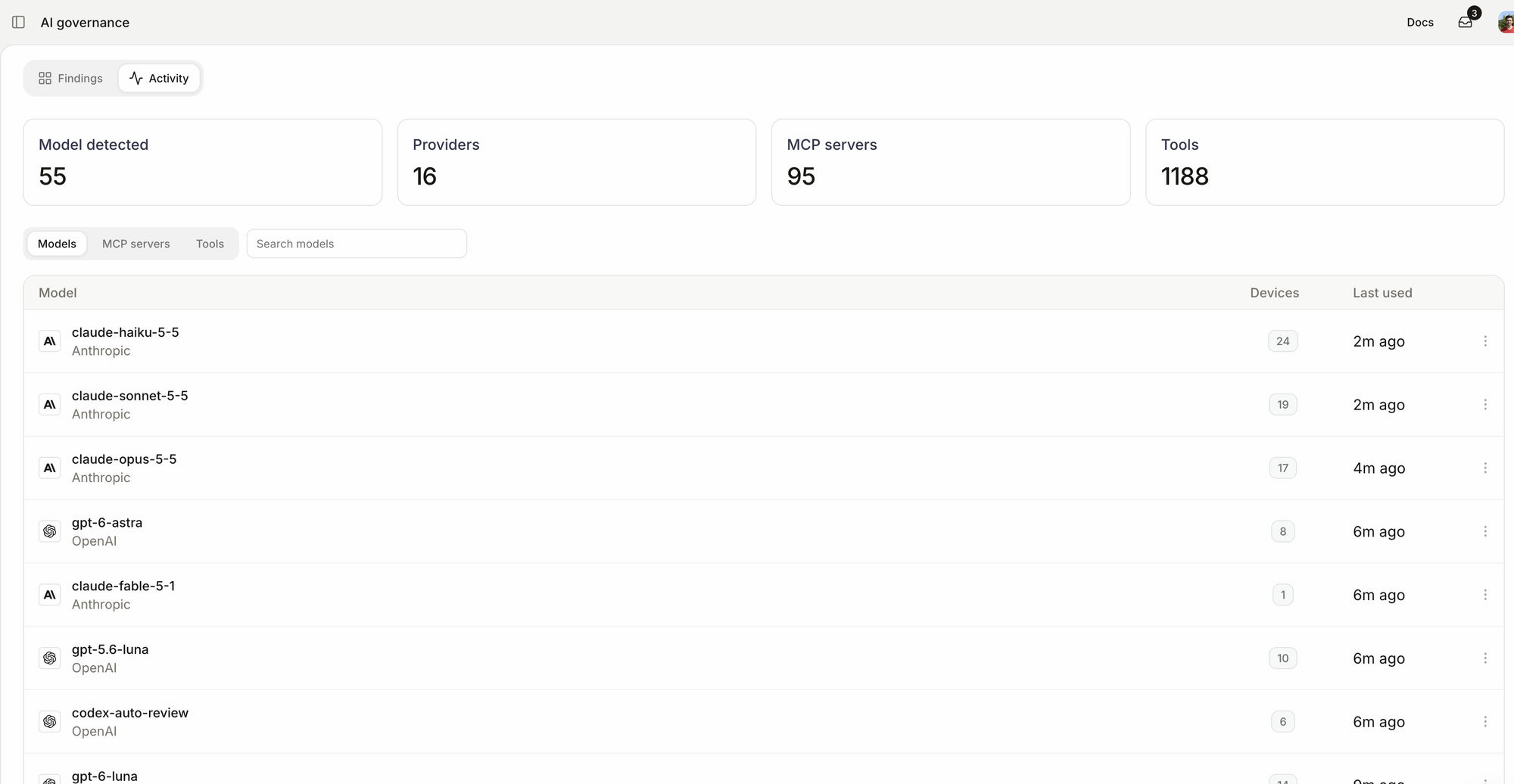
**Activity** is the inventory of AI on your team's devices: the models, the Model Context Protocol (MCP) servers, and the tools, with the devices behind each one. Use it to find AI tools you didn't know about, and to block the ones you don't want running.
## Find out which AI tools your team uses
Before you write or enforce an AI policy, check what's already in use. Look for models, MCP servers, or tools you didn't expect, and which devices run them. See [See which devices use a model, server, or tool](#see-which-devices-use-a-model-server-or-tool).
## See which devices use a model, server, or tool
The numbers across the top are **Model detected**, **Providers**, **MCP servers**, and **Tools**. Under those numbers, switch between **Models**, **MCP servers**, and **Tools**, and search to find one.
Click a row, or open **View details** on a model or server row, to see which devices are behind it. On **Tools**, click a tool to see its summary and its devices.
## Stop a tool you don't want running
When a tool shouldn't run on your devices, block it. See [Block a tool](#block-a-tool).
## Block a tool
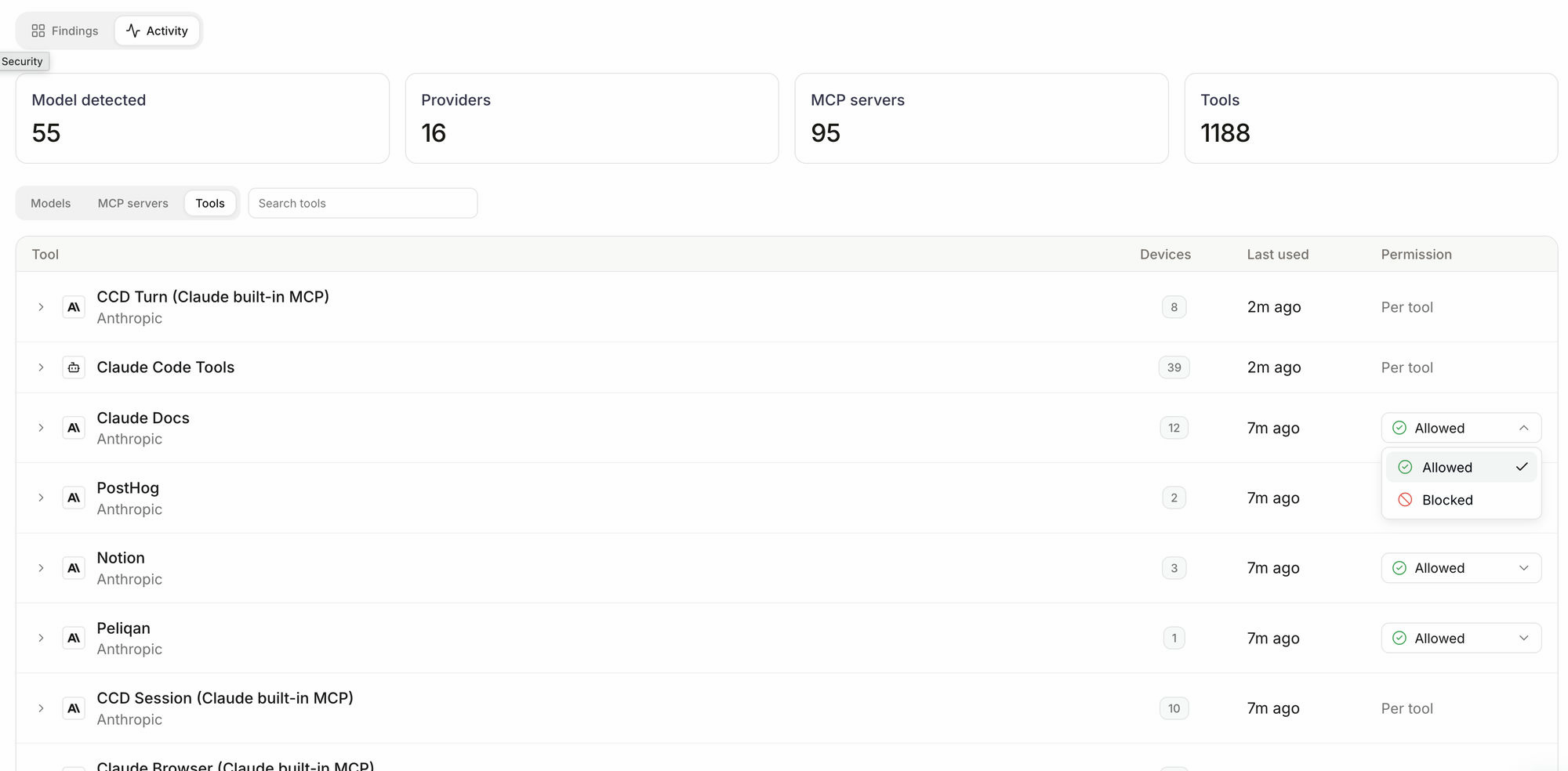
On **Tools**, open the **Permission** menu on a row and choose **Allowed** or **Blocked**. You need permission to manage Device Protection.
A blocked tool can no longer run on your devices. Tools are grouped under the MCP server or app they come from: expand the group to see the tools inside it. Blocking an MCP server group blocks every tool in it, and a single tool in that group can't be set to **Allowed**. A group that shows **Per tool** has no permission of its own: expand it and set each tool.