# What employees see
Device Protection runs quietly in the background. Most installs go through as normal. An employee only sees a notification when something is blocked.
## Notifications
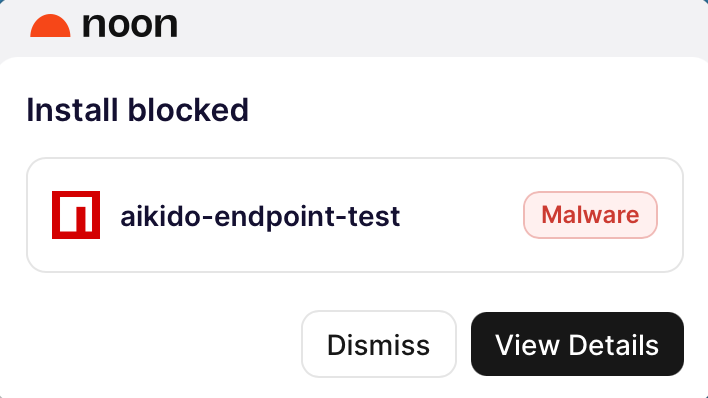
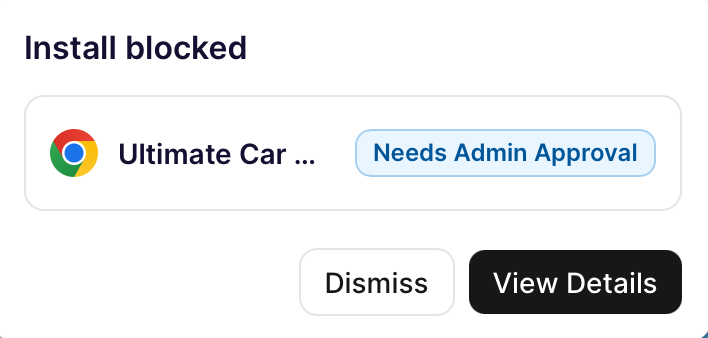
An **Install blocked** notification appears when a package contains malware or needs approval from an admin.
* **Malware**: the package is flagged as malicious. The block is final and cannot be appealed.
* **Needs Admin Approval**: your policy requires an admin to approve this package first.
The employee can click **Dismiss**, or **View Details** to see the event.
## Event details
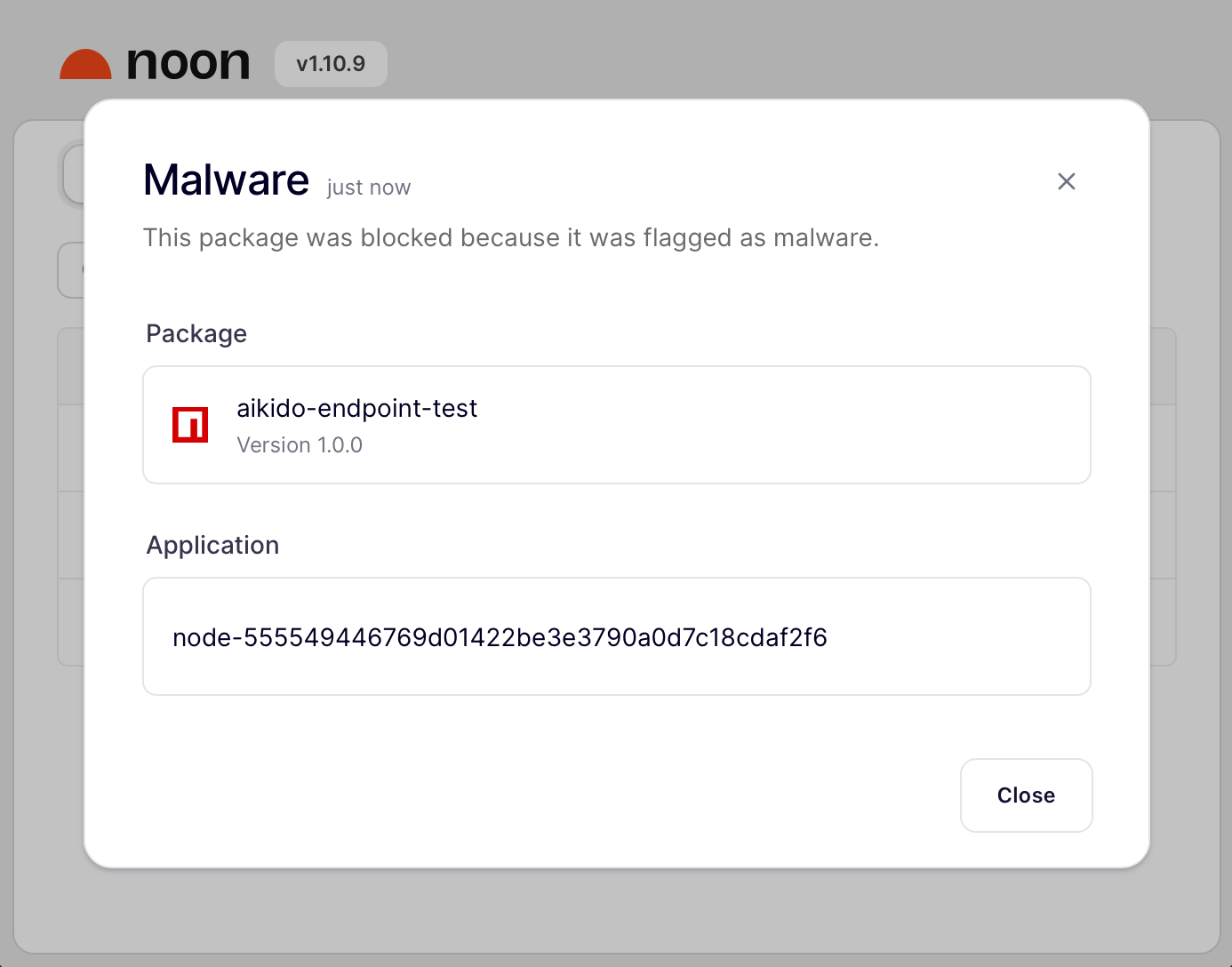
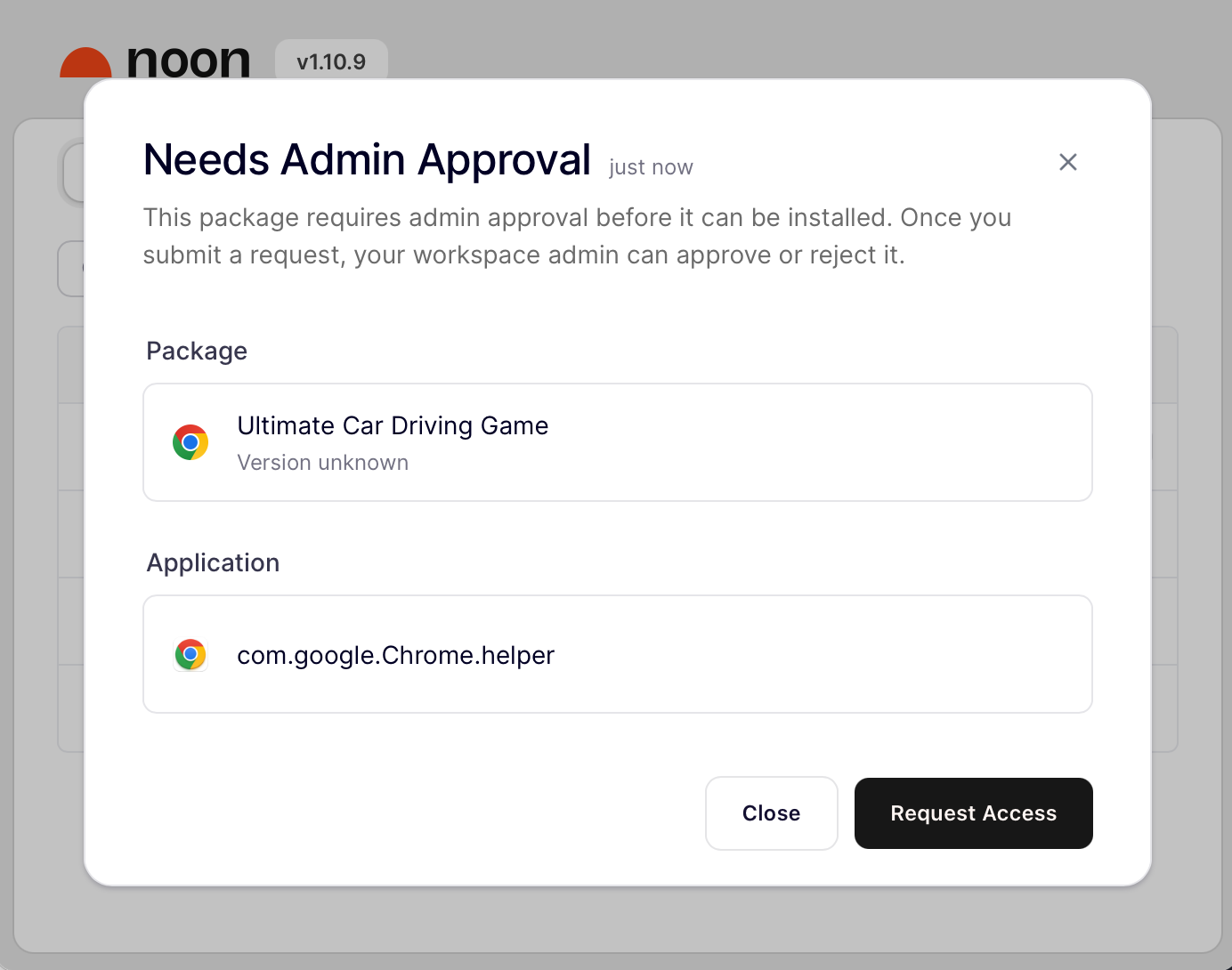
**View Details** shows the package, its version, and the application that tried to install it.
For a malware block, the employee can only click **Close**.
## Request access
For a package that needs admin approval, the employee can click **Request Access**. This sends a request to your workspace admins, who approve or reject it. Once an admin decides, the employee sees the result in the Device Protection dashboard.
## Desktop dashboard
To open the dashboard, the employee clicks the Device Protection icon in the menu bar on macOS, or the taskbar on Windows, then **Open Dashboard**. The header shows whether the device is **Protected** and which version is installed.
* **Events** lists recent blocks with their time and status. A new version that is still in its cooldown period shows as **Versions Suppressed**.
* **Local Secrets** lists secrets found on the device. See [Secret scanning](https://help.noon.security/protect/device-protection/secret-scanning).
* **Help** is where the employee sends a report to support. See [Send diagnostics to support](https://help.noon.security/protect/device-protection/install-device-protection/send-diagnostics-to-support).