# Install the Gmail add-on
The Noon button shows in the Gmail sidebar. Employees use it to report a message they think is suspicious. Using Outlook? See [Install the Outlook add-in](https://help.noon.security/protect/email-protection/employee-reports/report-plugin/install-the-outlook-add-in).
## Prerequisites
* A Google Workspace admin.
## Install the add-on
{% stepper %}
{% step %}
### Open the listing
Go to **Emails** → **Settings** and open **Report button**. Next to **Gmail**, click **Open**. That link opens the report button in Google Workspace Marketplace. Sign in to the [Google Admin Console](https://admin.google.com) if Google asks you to.
You can also open the listing from the Google Admin Console under **Apps** → **Marketplace**.
{% endstep %}
{% step %}
### Install the add-on
1. Review the add-on and click **Install**.
2. Choose everyone in the organization, or one organizational unit.
3. Click **Continue** and accept the permissions.
{% endstep %}
{% step %}
### Find the Noon button
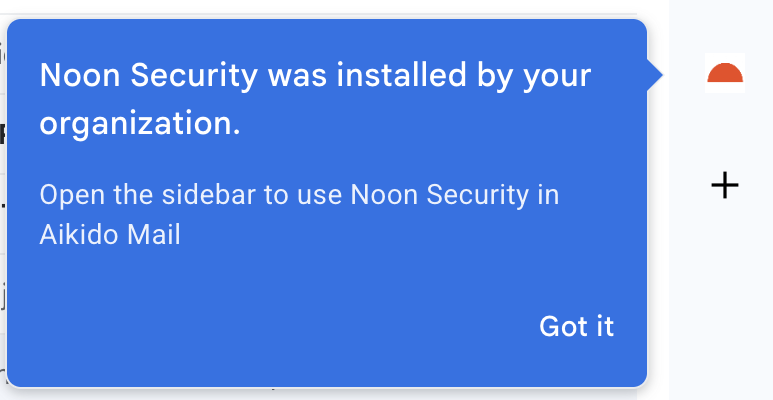
The Noon button shows in the Gmail sidebar for the people you included. The first time they open Gmail, it tells them Noon was installed by their organization.
{% endstep %}
{% step %}
### Check that it works
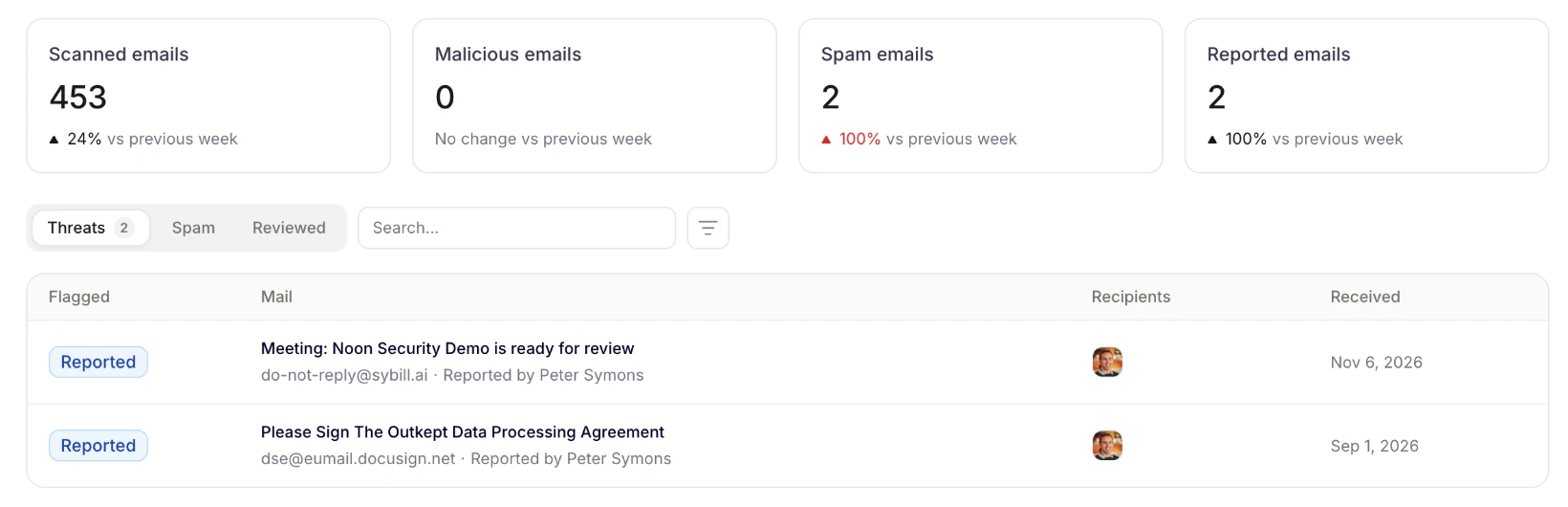
Report a message from Gmail, the way an employee does. The steps are in [Report a phishing email](https://help.noon.security/employee-portal/report-a-phishing-email). Then go to **Emails**. The message is in **Threats**, flagged **Reported**, with the name of the person who reported it. The **Reported emails** count goes up.
{% endstep %}
{% endstepper %}