Apps
See which SaaS apps your team's devices use, and block the ones you don't want.
Apps lists the SaaS apps that people used from their devices in the last 30 days, busiest first.
You need Device Protection on your devices and permission to manage Device Protection to change access. The list stays empty until the SaaS apps category is set to Monitoring. See Device firewall.
#Use cases
#Find apps your team uses that you didn't know about
When you don't know which apps people use at work, open Apps.
- Go to Apps.
- Search for an app by name, or open the Category filter and choose one.
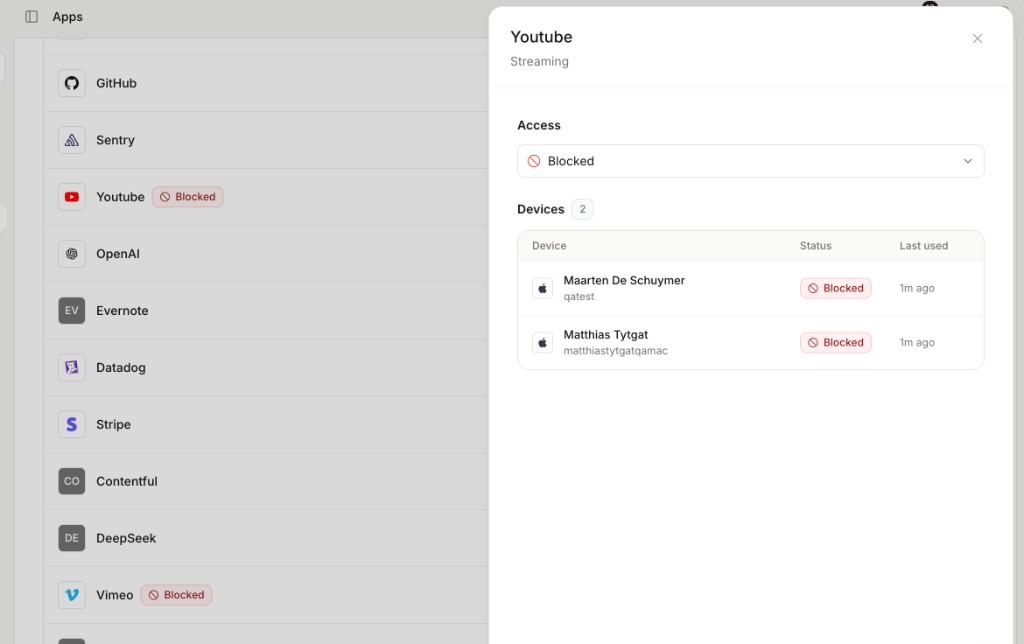
- Click an app to see which devices used it.
#Block an app for everyone
Choose Blocked only when nobody should use the app.
- Go to Apps and find the app.
- Click the app to open it.
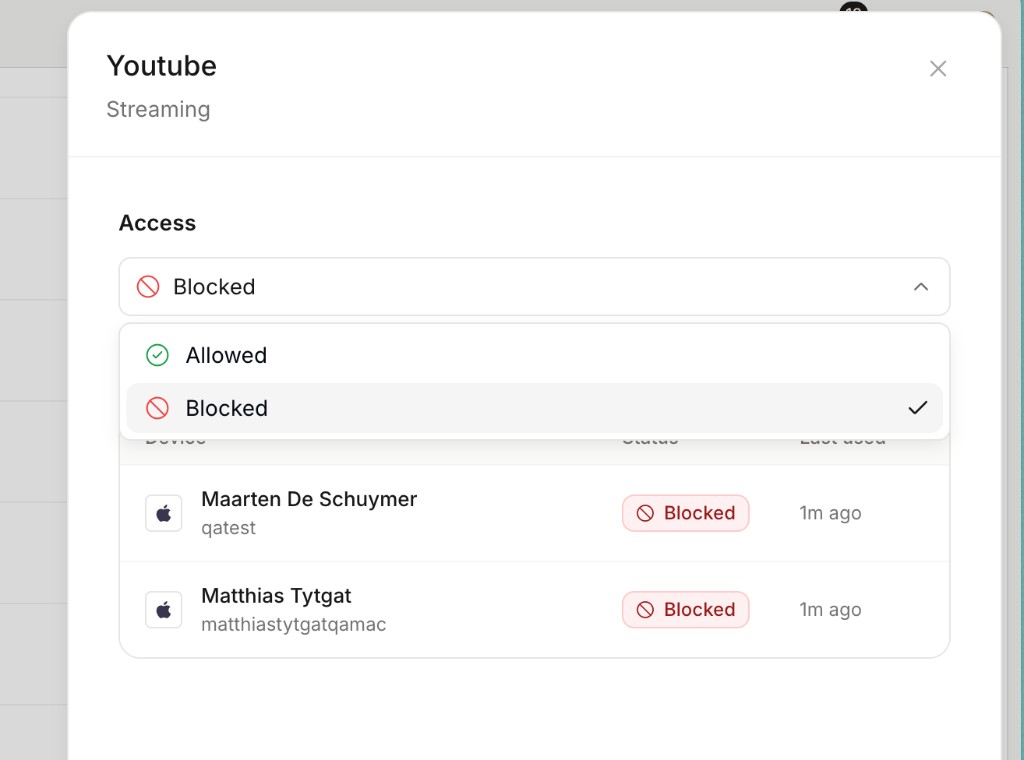
- Under Access, choose Blocked.
- Click Save.
Noon shows Access updated, and the app is marked Blocked in the list. To lift the block, choose Allowed and save again.