
macOS

Deploy Device Protection to your managed macOS fleet through your MDM provider.

Choose your mobile device management (MDM) provider to deploy Device Protection across your managed macOS fleet. Use the MDM that already manages these Macs.

Opening the package on a Mac starts the Noon Device Protection installer. Use that when you are installing one Mac rather than a managed fleet.
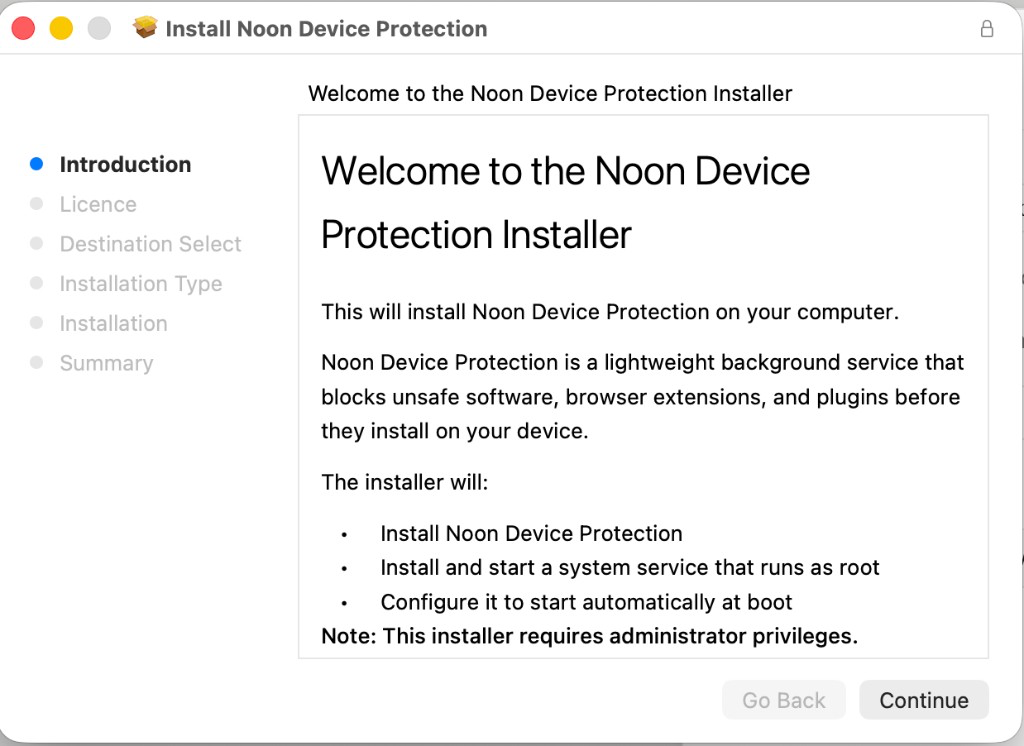
Noon Device Protection installer on the Introduction step, with Continue
Deploy Device Protection with Addigy on macOS.
Deploy Device Protection with FileWave on macOS.
Deploy Device Protection with Fleet on macOS.
Deploy Device Protection with Hexnode on macOS.
Deploy Device Protection with Intune on macOS.
Deploy Device Protection with Iru (Kandji) on macOS.
Deploy Device Protection with Jamf on macOS.
Deploy Device Protection with JumpCloud on macOS.
Deploy Device Protection with ManageEngine on macOS.
Deploy Device Protection with Miradore on macOS.
Deploy Device Protection with Mosyle on macOS.
Deploy Device Protection with NinjaOne on macOS.
Deploy Device Protection with Primo on macOS.
Deploy Device Protection with Rippling on macOS.
Deploy Device Protection with Scalefusion on macOS.
Deploy Device Protection with SimpleMDM on macOS.
Deploy Device Protection with Omnissa Workspace ONE on macOS.
Deploy Device Protection with XFA on macOS, including devices without MDM.

Don't see your MDM? Email support@noon.security.