Employee reports
How employees report a suspicious message, from the warning banner, with the report button, or by forwarding it.
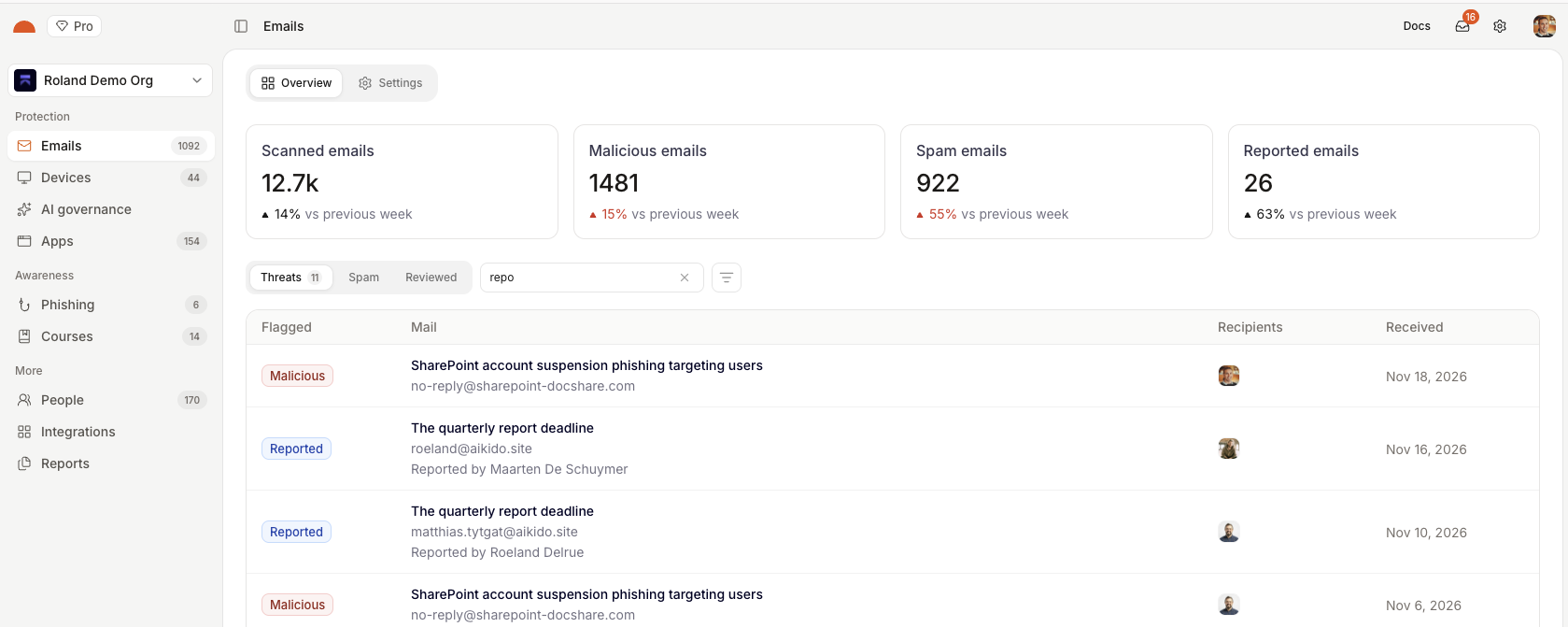
Employees can report a suspicious message from the warning banner in Gmail, with the report button in Gmail or Outlook, or by forwarding it to a flag address. Noon scans a reported message like all other mail and marks it Reported.
#Set up the ways to report
The warning banner needs no setup. Set up the report button and the flag address in Emails → Settings, under Manual reporting.
#What happens after a report
Whichever way an employee reports, the message shows up in Noon as Reported. Noon shows who reported it, and the Reported emails counter on the Emails page goes up. Noon doesn't send a notification, so check Emails for new reports. Then review the message like other flagged mail. See Review flagged email.