Create a custom email template
Describe an email, pick a brand to imitate, and let Noon write a phishing template for your workspace.
A custom template is a fake email that Noon writes for you with AI. You pick the brand to imitate, describe what the email is about, and choose how it asks the person to act. Noon builds the email in about 1 minute.
Custom templates are behind a feature flag. To turn them on, chat with us using the button at the bottom right of this page.
#Create a custom template
#Open the custom template dialog
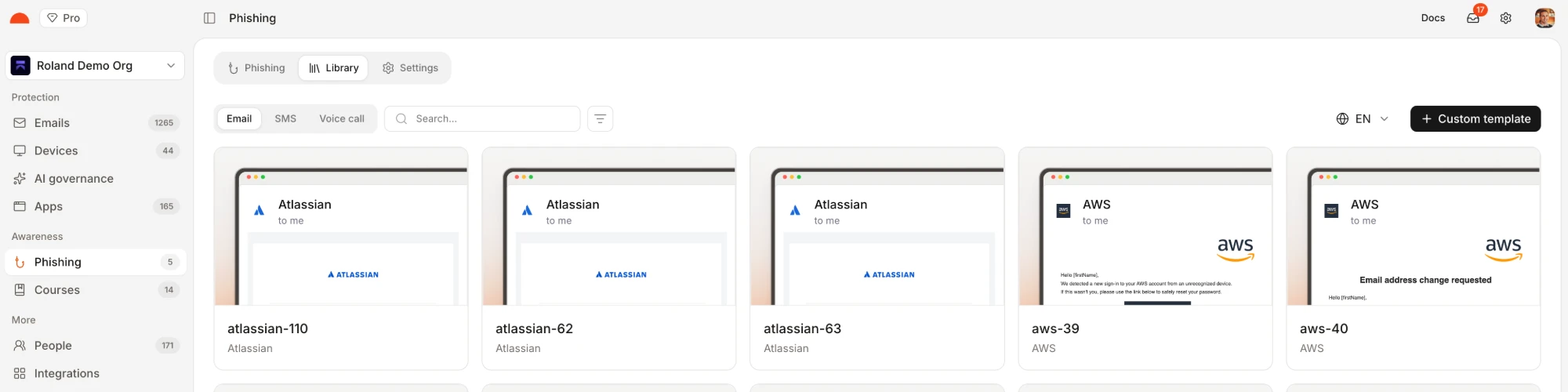
Go to Phishing → Library, stay on the Email tab, and click Custom template at the top right.
#Choose the brand
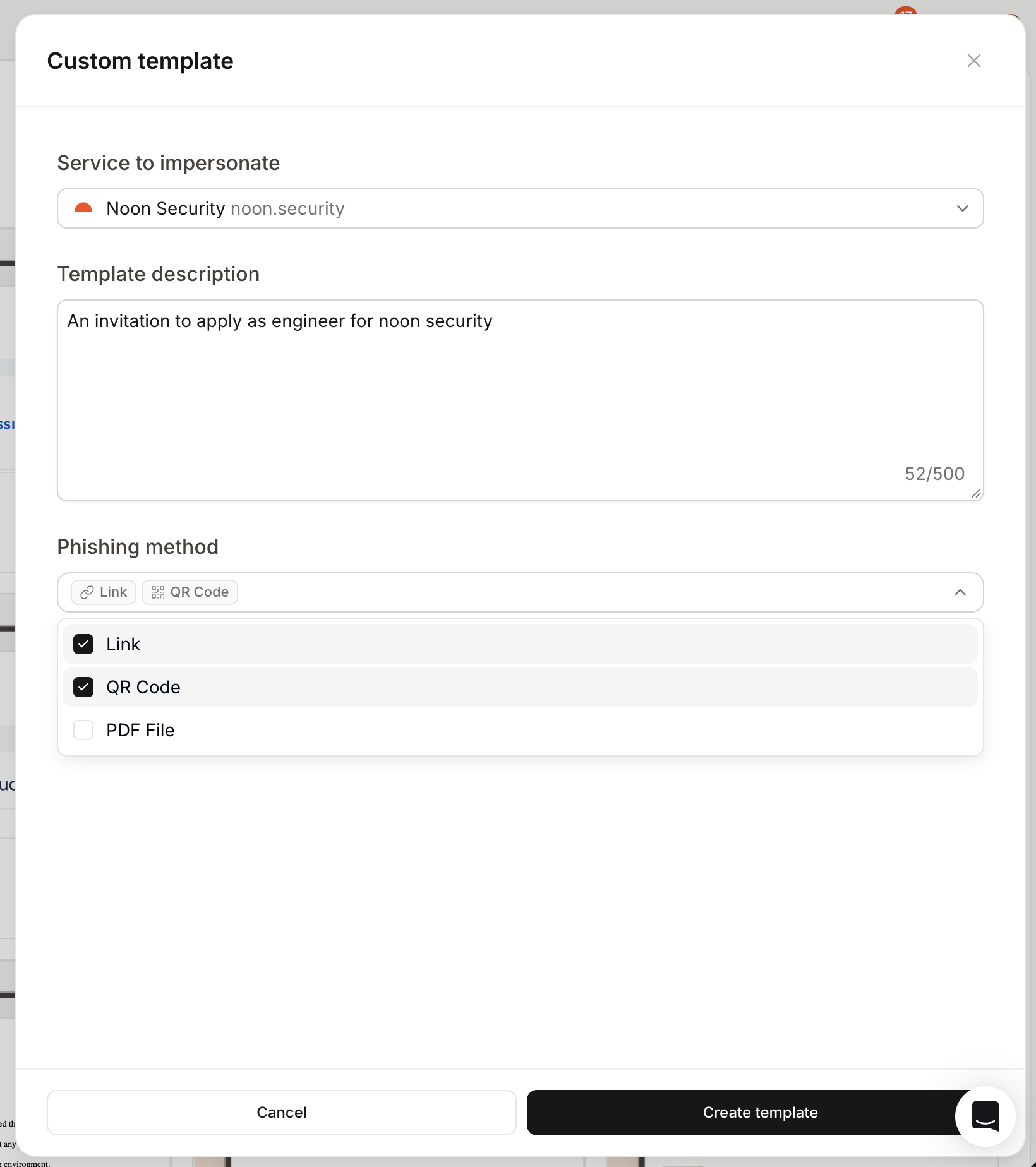
Under Service to impersonate, search for a company and choose it.
#Describe the email
Type what the email is about under Template description, up to 500 characters. For example: "An invitation to apply as engineer for Noon Security."
#Create the template
Click Create template. Noon takes about 1 minute to write the email.
#Read the email
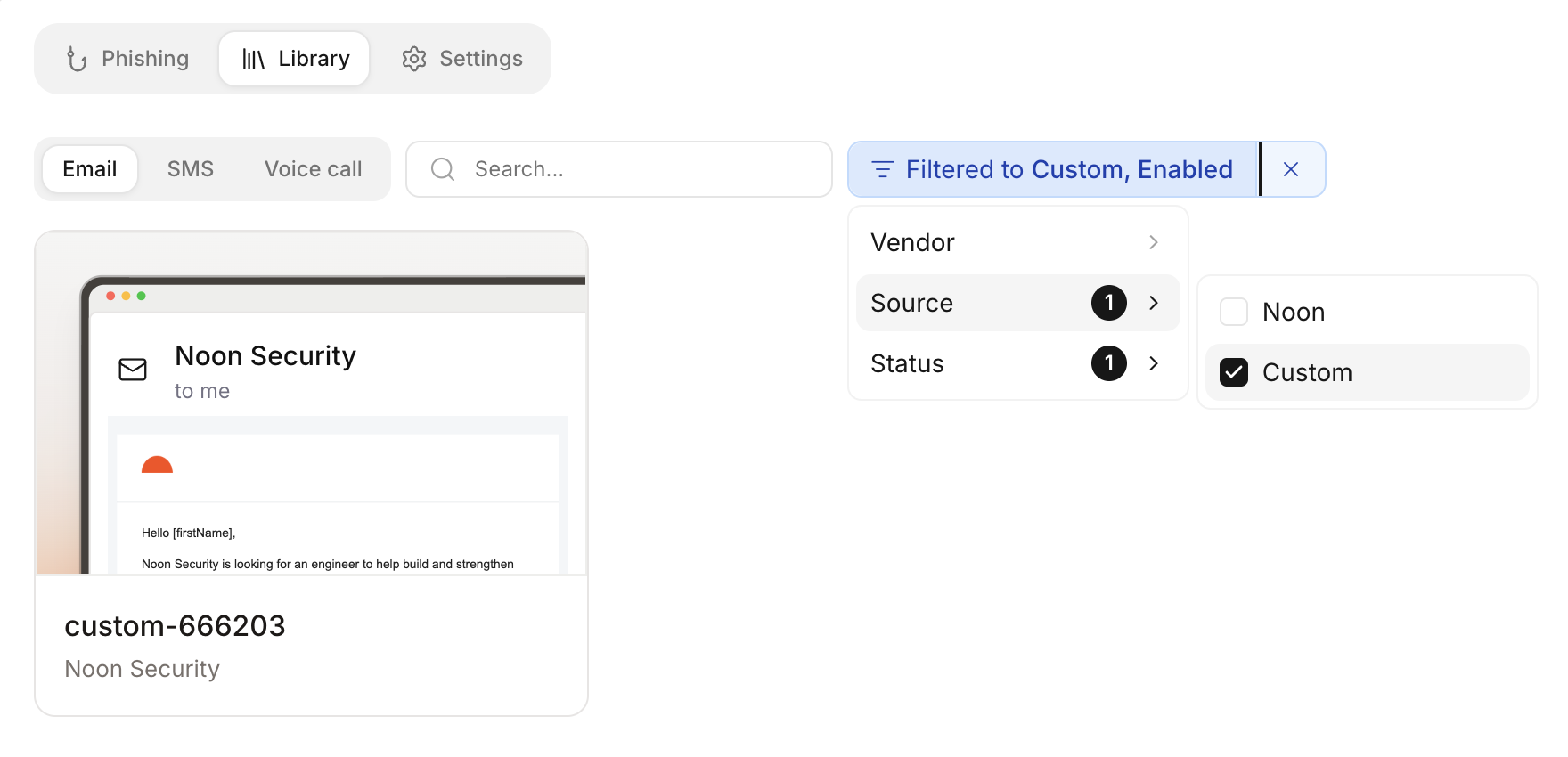
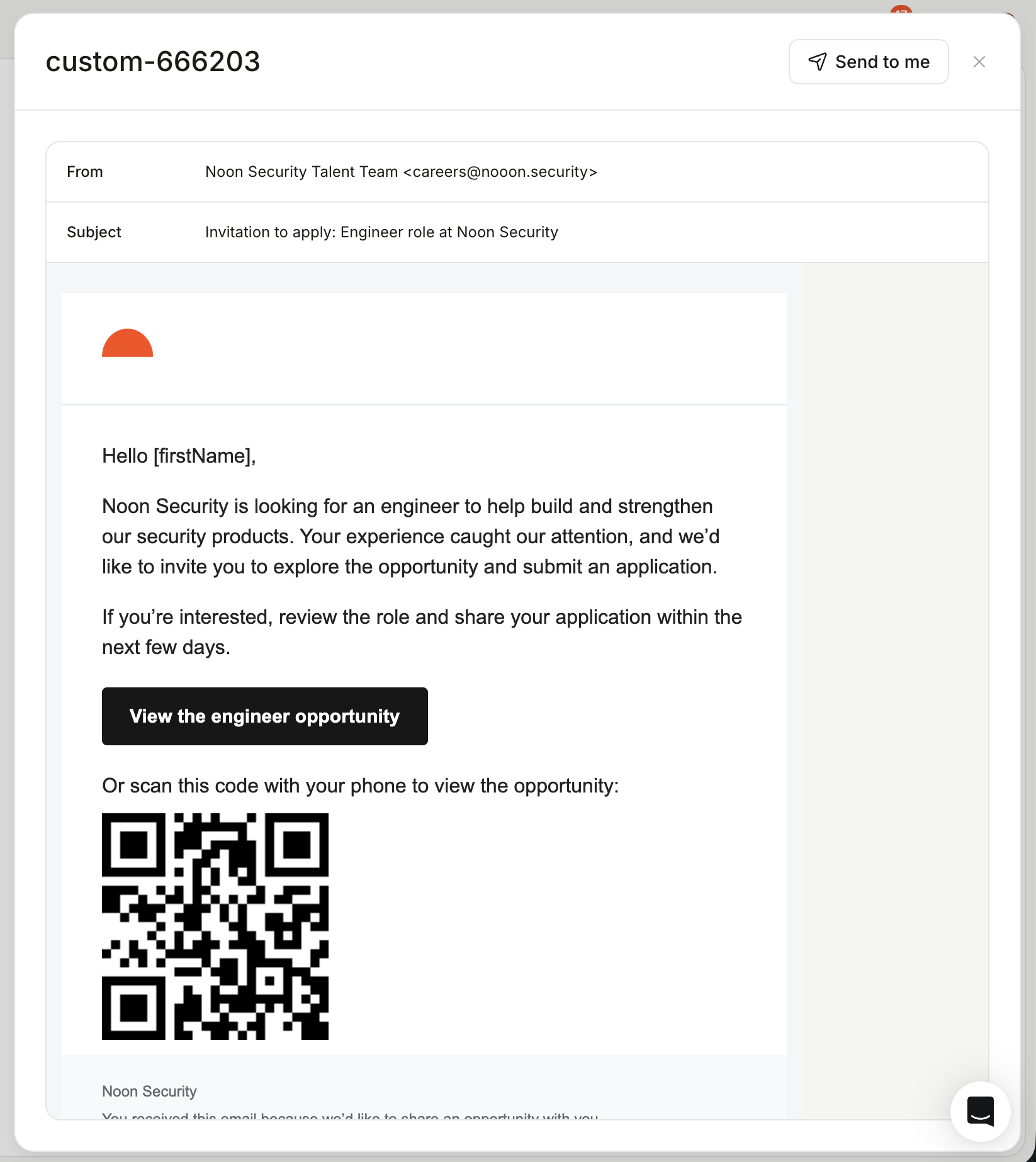
Go to Phishing → Library, click the filter button, and under Source choose Custom. Open the template to read it. Click Send to me to get a copy in your own inbox.
#Pick a custom template for a campaign
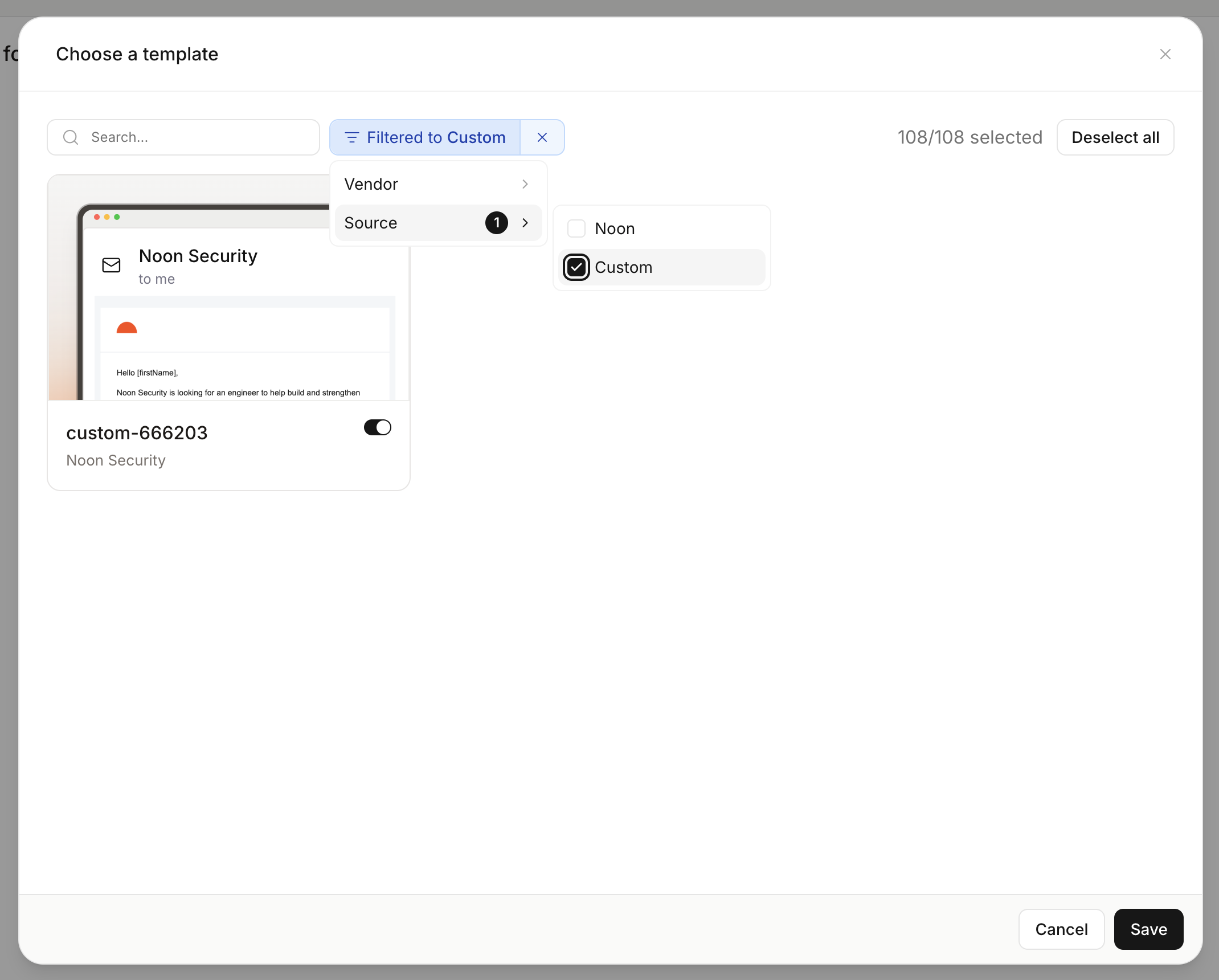
When you create an email campaign, click Select templates under Templates to pick from. Click the filter button, and under Source choose Custom to see only your own templates. Turn on the ones you want, then click Save. See Email simulations for the other campaign steps.