
What employees see
The lesson an employee sees after a phishing simulation catches them.
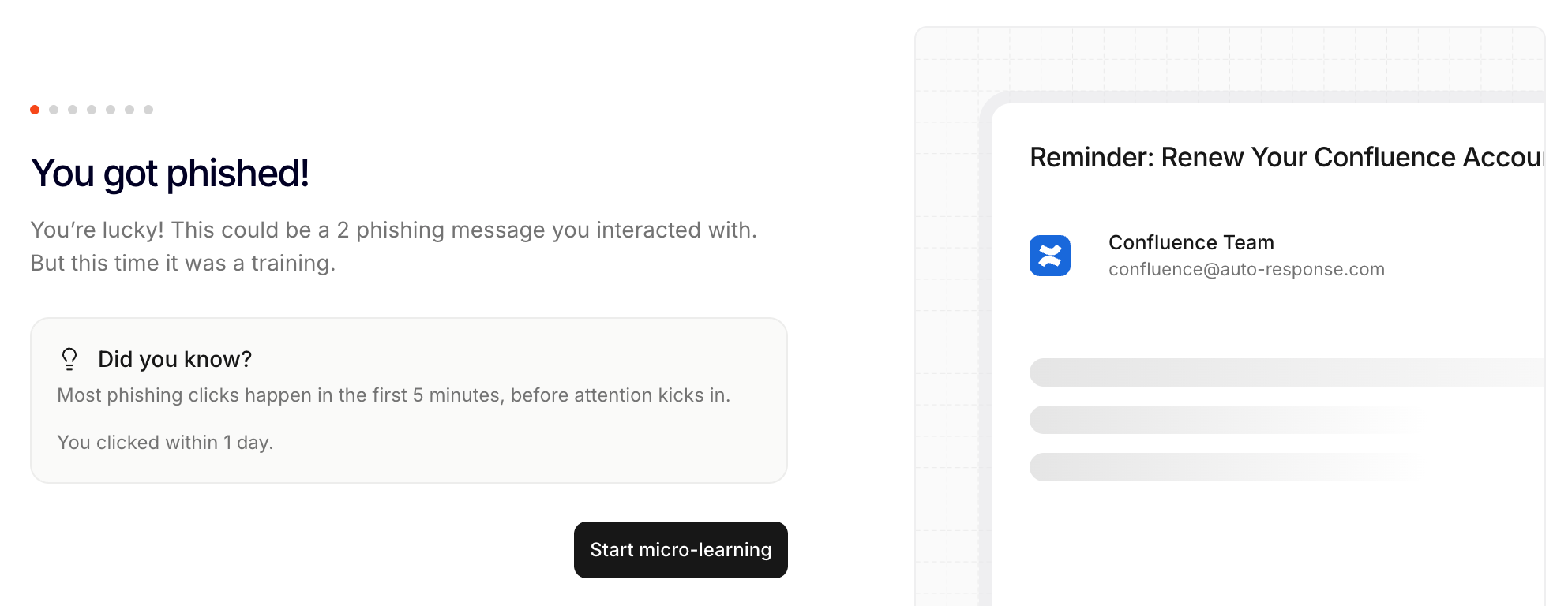
When a simulation catches someone, they land on a page that tells them the message was a training exercise. The page shows the simulated email, including the vendor it imitated, and a short lesson about the clues in that message.
The lesson follows the simulation.
#The lesson
#Read the sender address
The lesson can show the sender address, including small differences from a real one.
#Notice the time
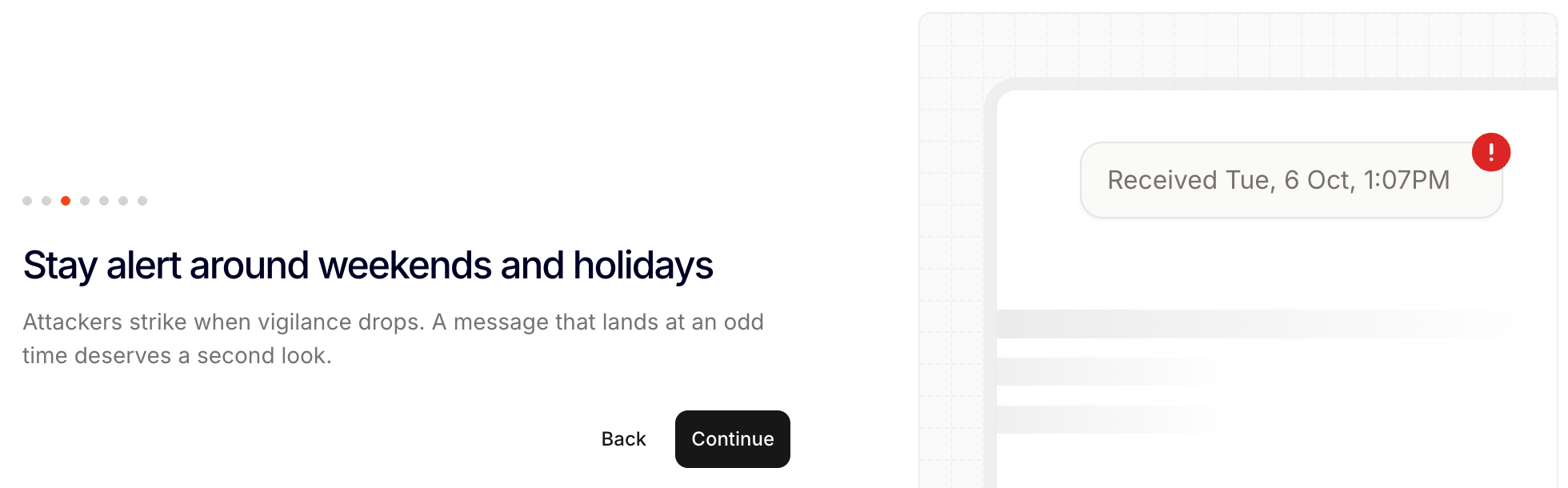
The lesson can show messages that arrive at an odd time, such as a weekend or a holiday.
#Check the sign-in page
The lesson can show sign-in pages opened from an email, and why a password should be entered only on a site the person opened themselves.
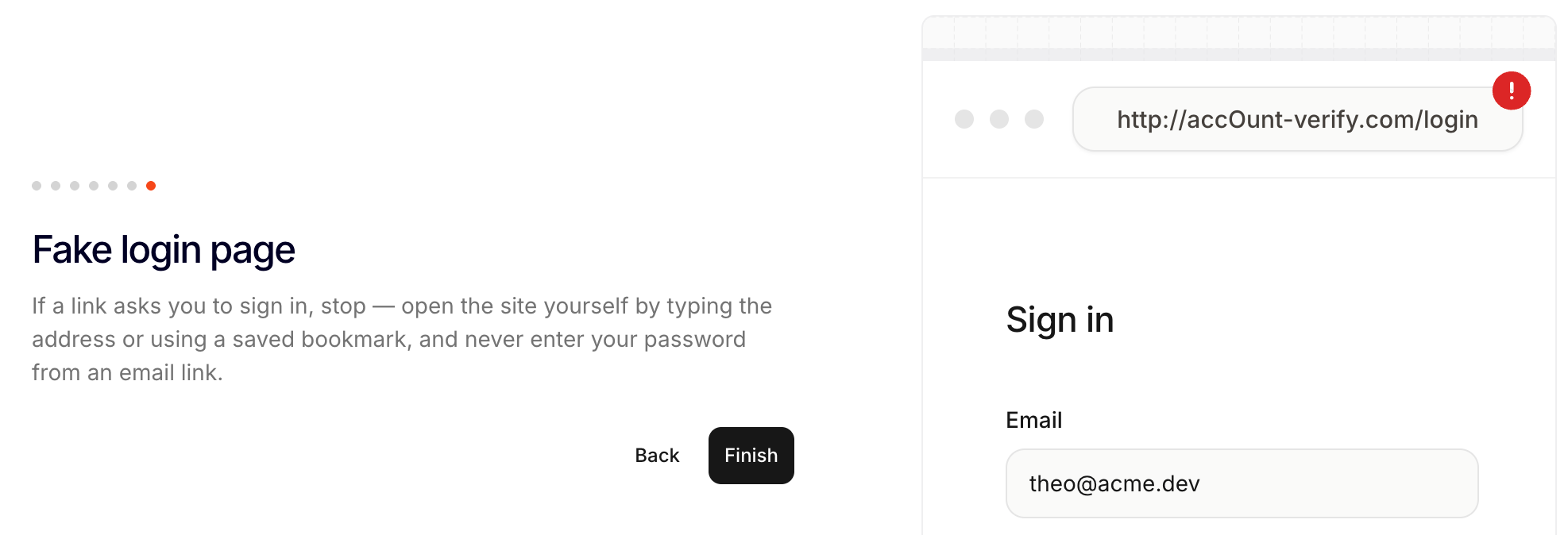
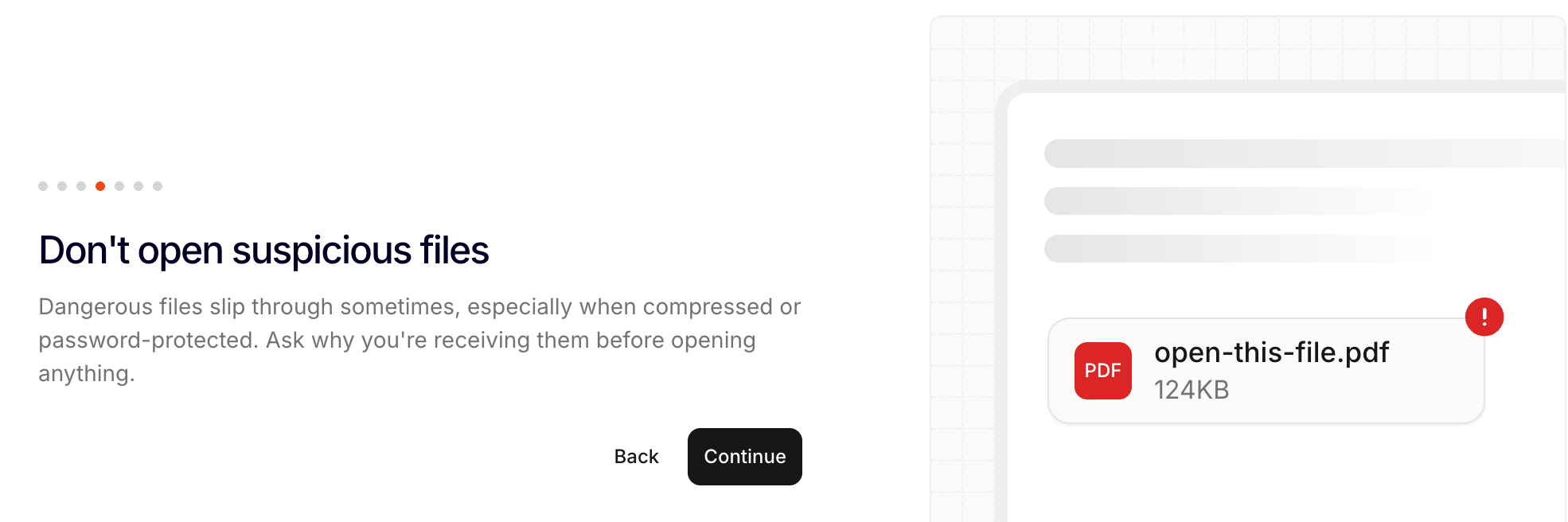
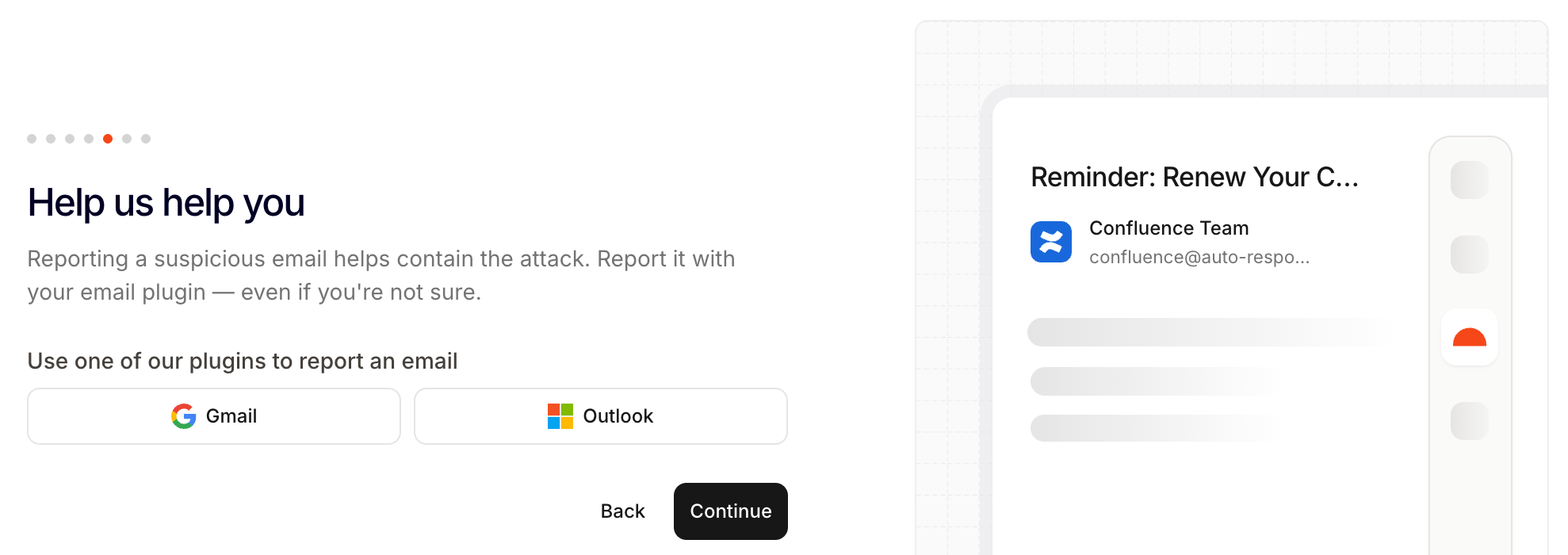
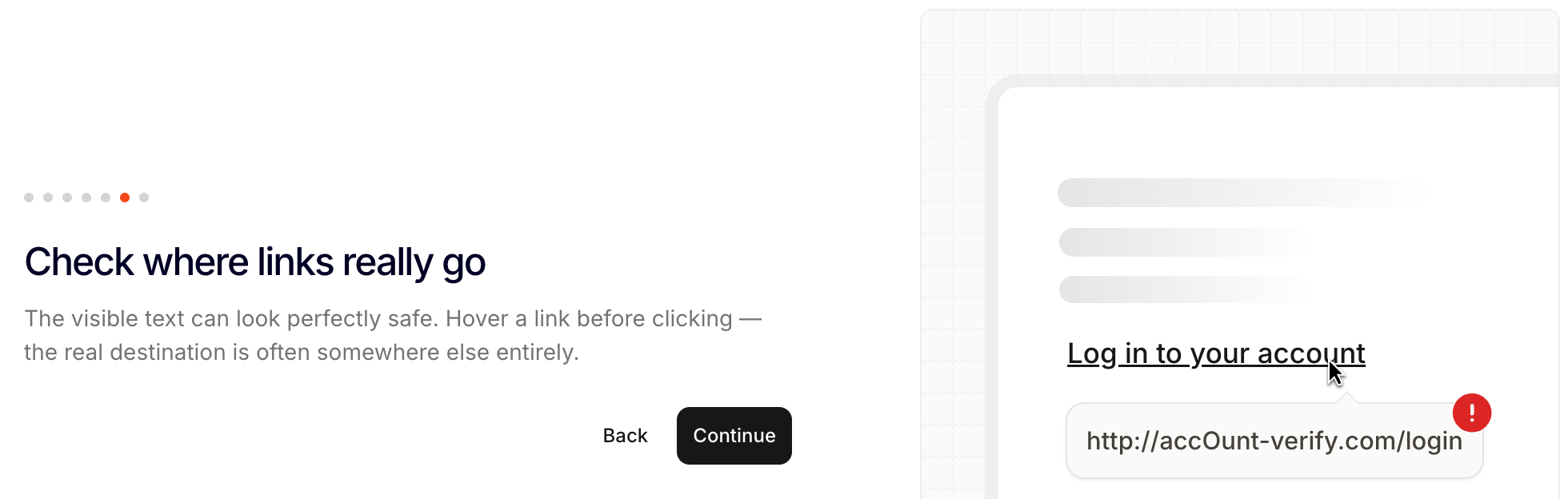
The person clicks Start course, then Continue through the steps, and Finish at the end.
Reporting a simulation uses the same report button as reporting real mail. See Employee reports. A reported simulation shows up on the campaign in Campaign results.
This lesson is attached to the simulation. Assigned courses are described in Courses.