
How Noon detects threats
The threats Email Protection looks for, and the signals behind a verdict.
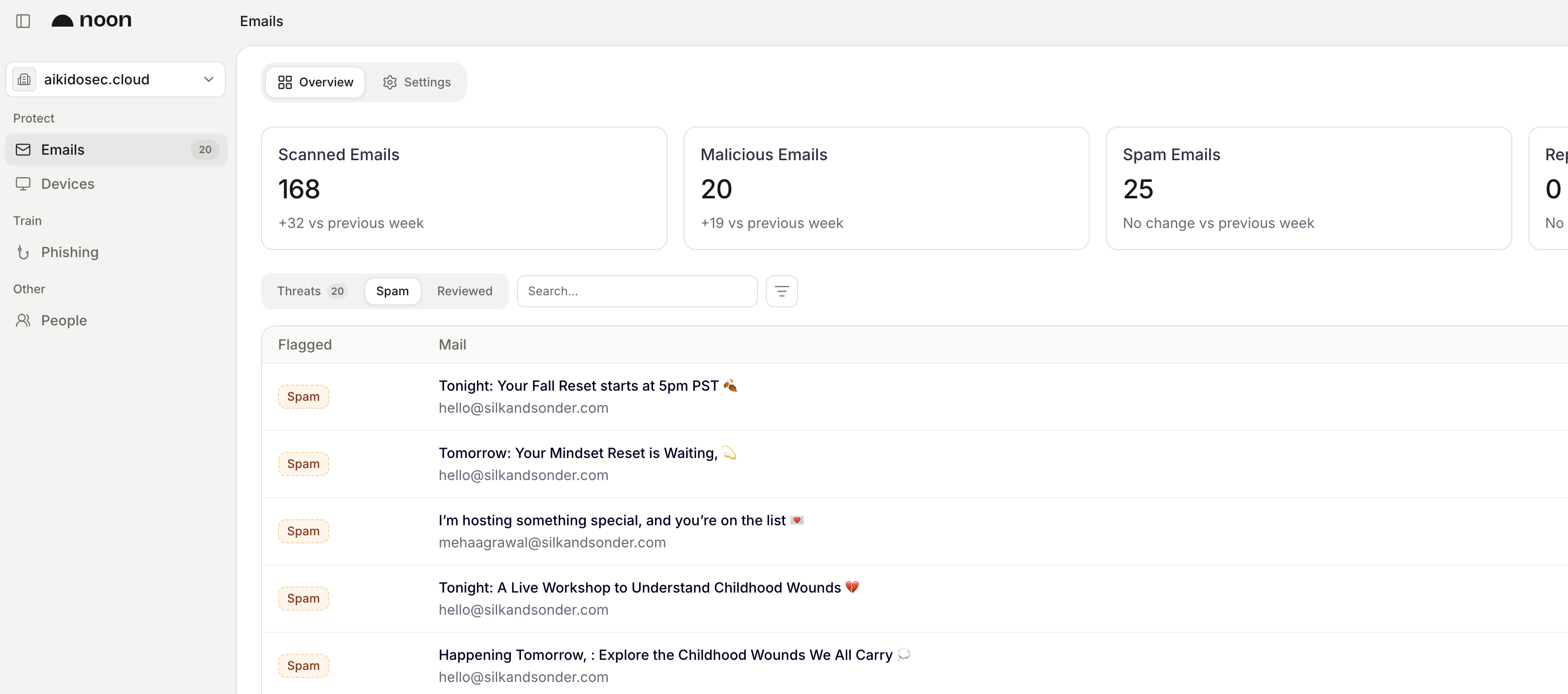
Noon analyzes each email and assigns a verdict.
- Malicious mail appears in Threats.
- Suspicious mail appears in Spam.
- Safe mail is counted on the overview and then left out of those queues.
#Read why a message was flagged
Open a flagged message. The explanation names the signals Noon combined. A single weak signal is rarely enough. Noon combines what the message claims with facts it can check, such as authentication results, where a link actually goes, and what the linked page does.
#Types of threats
- Phishing: a message that pretends to be from a brand or a person and pushes the reader toward a deceptive link.
- Business email compromise: a payment or vendor request from a sender whose identity does not hold up.
- Fake sign-in pages: a request for a password, often through a page that collects it.
- Malware: an attachment that is executable, disguises its file type, or otherwise looks unsafe to open.
#What Noon looks at
- Authentication: the checks that prove a message really came from the domain it claims, including whether the visible sender lines up with that domain.
- Sender identity: display names that imitate someone else, and a Reply-To address that points somewhere else.
- Links: addresses that hide their destination, use an IP address or punycode (look-alike letters from other alphabets) as the host, or lead into a path that asks for a password.
- Linked pages: Noon can fetch a page to see whether it pretends to be a brand or collects a password.
- Attachments: file types that are risky to open, including executables and files whose extension does not match the contents.
- What the message asks for: payment changes, password requests, gift cards, urgency, and a message that pretends to be from an authority or a security alert.